
VistaView · Ecosystem

Not a Product. An Ecosystem.
Extremely high-end. Extremely futuristic. Beauty bombardment for land intelligence—Spotlight Instagram of RE, Marketplace earn, Jessica voice commands, ownership constellations, VistaSign + FloorPlan walk. Every customer enters a world, not a SKU.
Not a product. An ecosystem. Intensity unimaginable beside yesterday’s computers. No near match. Only the gold frame—going global.
We take public data, aggregate it at deepest aggregation depth, and add the specialty of our engines—Jessica, Super Map, valuation, visuals, and VistaSign. Secrets stay sealed. Intensity stays on stage.
01 · Ecosystem
Ecosystem Capability Rise
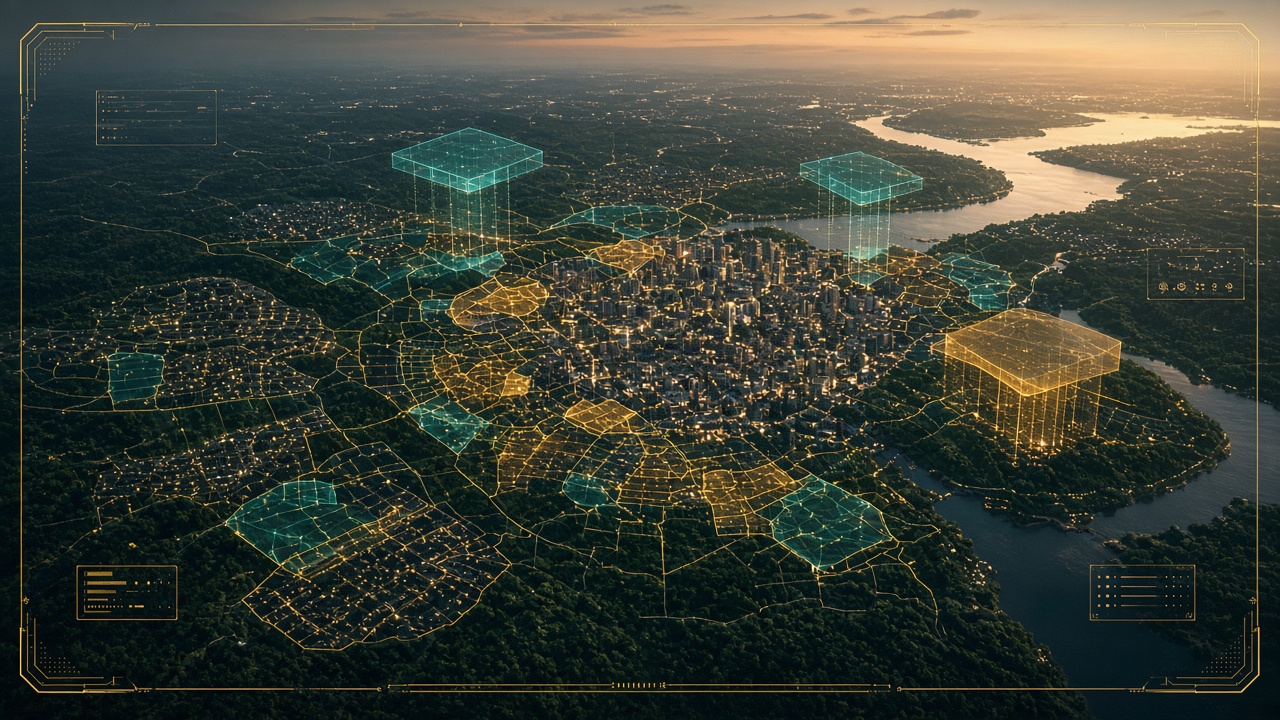
Illustrative capability bars — marketing visualization, not a measured ranking or audit.
Parcel intelligence. Valuation. Ownership and deeds. Investor signals. Promote. Sign. Walk. Earn. One composed graph—agents, brokers, investors, license holders, and legal non-pro earners in the same gold frame.
02 · Spotlight
VistaSpotlight™ — Instagram of Real Estate
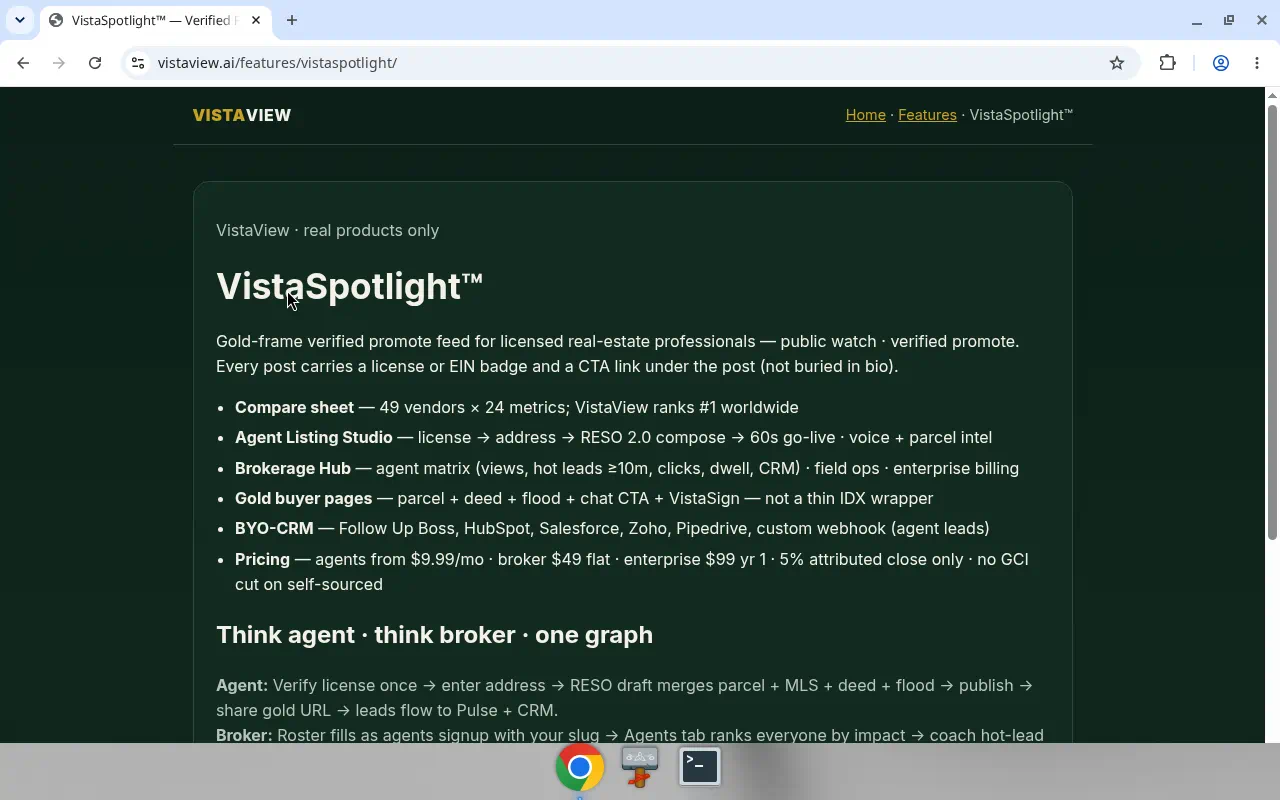
Public watch. Verified promote. Never before has real-estate attention worn this much gold.
Generic feeds chase noise. VistaSpotlight chases clarity—lanes for agents, builders, architects, inspiration, marketplace energy. Identity cues. CTA under the post. A beautiful frame that still creates a useful next step.
Watch public. Promote verified. Discovery becomes listing. Listing becomes gold buyer page. The brokerage never leaves the room.
Listing Studio pulse
- Verify the professional license.
- Enter the address.
- Review the filled listing — engines bring context; you refine the story.
- Publish.
- Open the gold buyer page.
Live: Spotlight Compare · Listing Studio — sign-in may apply. Illustrative category framing—not an audit or invented #1 claim.
03 · Marketplace
Marketplace — Uber/GrubHub Energy for Licensed Work

Join as Pro. Earn as a legal non-pro. Every license holder belongs. Work meets beauty—gold-frame destiny.
Boss-lock honesty: discovery maps may shimmer. Selling happens on the Marketplace at https://vistaview.ai/v3/marketplace/. Employment. Join Pro. Service and data marketplace. That is the stage—not a color legend.
- Every license holder — verified identity energy for real-estate work.
- Non-pro earners — legal join paths defined on Marketplace.
- Service + data marketplace — hire, offer, earn—on the sell surface.
- Going global — every customer enters an ecosystem, not a single SKU.
Licensed holders: join the Pro path. Non-professionals: join as earners with legal, platform-defined pathways—Uber/GrubHub energy without fake payout numbers. Eligibility, compliance, and earnings live on Marketplace. This page is the invitation. Marketplace is the room.
Live sell surface: https://vistaview.ai/v3/marketplace/ — Join Pro / earn. Sign-in may apply.
04 · Talk to Land
Jessica — Voice Commands. Talk to Land.

Ask who owns. Ask what changed. Ask with your voice. Jessica answers with evening clothes on—and her receipts beside her.
Short: Who owns this? Long cinematic: every property conversation begins before the first word—boundary, history, street pattern, a human deciding what matters. Jessica is the calm front door. Super Map is the spatial half of the sentence.
Answers with receipts
Source. Confidence. Date. Beautiful software should not ask for blind faith. Stamps turn chat into coaching material. Uncertainty becomes legible. Valuation stays decision-support—never an appraisal.
Point. Draw. Ask.
Language sharpens when it touches the map. Select a parcel. Shape an area. Continue in plain language or voice. No near match in the feeling of the room—marketing stance, not a fake #1 audit.
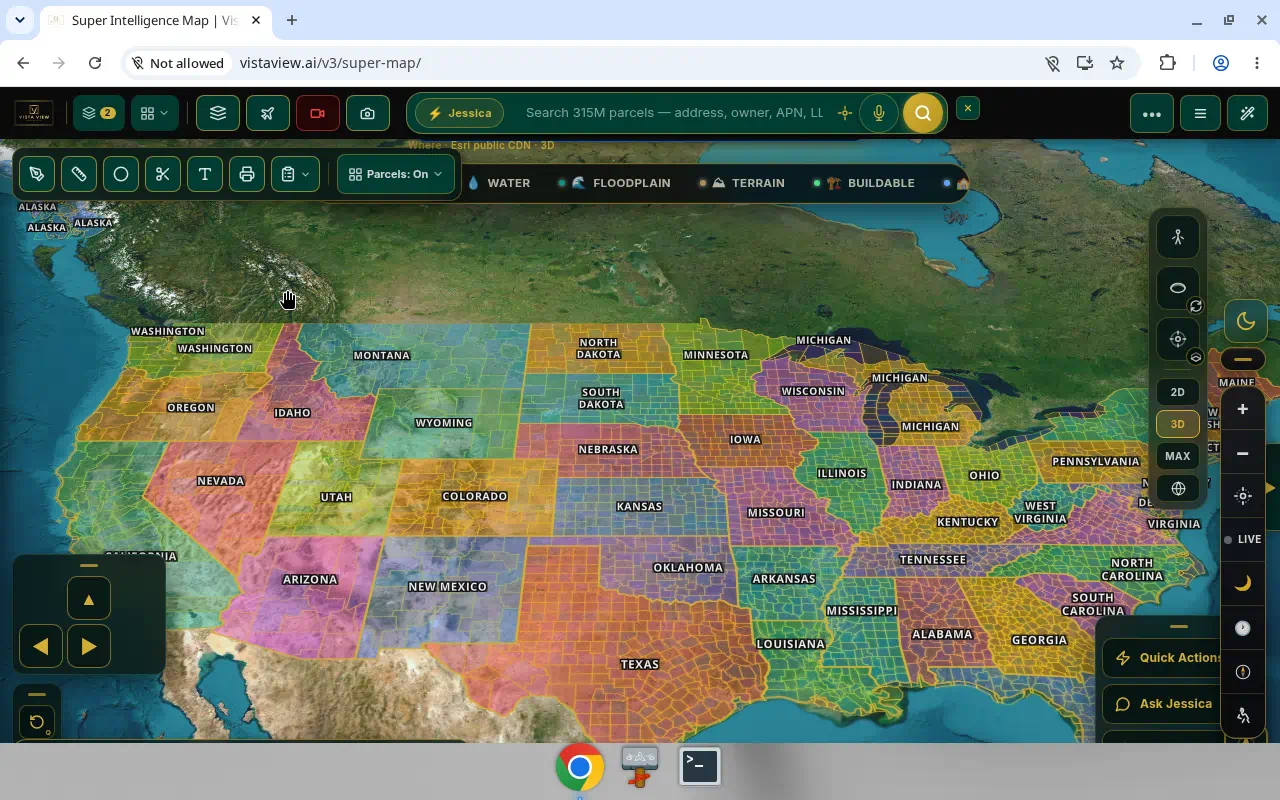
Live: Talk with Jessica · Super Map
05 · Ownership
Who Owns — The Graph Constellation

A parcel is never only a shape. It is a constellation. Present owner. Earlier hands. Sister holdings. Signals that shimmer for agents and investors alike.
First movement — who owns. Begin in Real Estate Intelligence or Super Map. See ownership context with source, confidence, and date. Forest calm. Fine gold transitions.
Second movement — deed history as timeline. Deed & Title Search turns a still photograph into a timeline. Research context—not title insurance, not an attorney’s opinion.
Third movement — Owner Portfolio. Expand from one subject property to associated holdings nationwide. The parcel stays center. The constellation blooms outward.
Distress filters: signal, not sentence. Starting points for review. Never conclusions. Never invented distress counts.
Live: Real Estate Intelligence · Owner Portfolio · Deed & Title
06 · Sign & Walk
VistaSign + FloorPlan Studio — Sign It. Walk the Future.
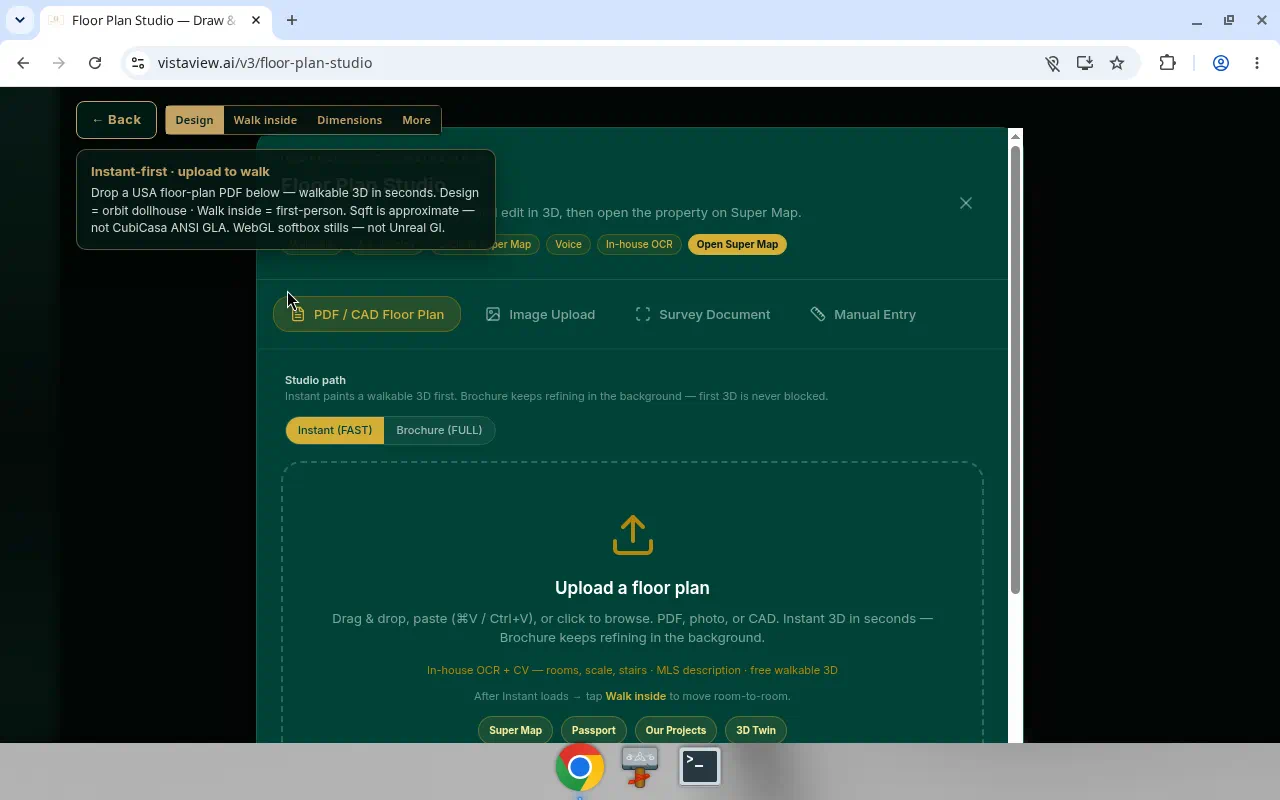
Search seduces. Maps dazzle. The close requires courage. VistaSign holds the pen. FloorPlan Studio opens the door you can walk through.
VistaSign — the document never leaves the gold frame
Native e-signature. Upload. Detect fields. Sequence recipients. Sign on phone or glass. VistaSeal verify. PDF/A vault energy. Forest calm around a consequential act.
- Upload or choose a document.
- Review suggested fields.
- Add recipients and order.
- Send.
- Sign on any device.
- Receive completed record.
- Verify publicly when needed.
FloorPlan Studio — walk what you once only stared at
PDF, image, or DXF in. Orbit. Walk. Voice and chat edit commands. Brochure and GLB export paths. Super Map parcel handoff. Not a certified survey—visual theater with receipts of honesty.
Live: VistaSign · FloorPlan Studio
FAQ · Product
FAQ
What is VistaView?
VistaView (vistaview.ai) is a real estate intelligence ecosystem in Irving, Texas—not a single product. Public data, aggregated, plus the specialty of our engines: Jessica, Super Map, valuation, visuals, VistaSign, VistaSpotlight, Brokerage Hub, and Marketplace.
Is VistaView a product or an ecosystem?
An ecosystem. Agents, brokers, investors, license holders, and non-pro earners meet on one gold-frame graph going global.
How is VistaView different from listing portals?
Listing portals optimize for homes for sale. VistaView optimizes for intelligence on the parcel and owner—plus promote, sign, walk, and Marketplace earn.
Where do Pros and non-pro earners join?
https://vistaview.ai/v3/marketplace/ — Join Pro and legal earn paths. No invented payout numbers.
What is Service Map vs Marketplace?
Service Map is discovery context. Selling and employment happen on the Marketplace.
What is VistaSpotlight?
VistaSpotlight™ is VistaView’s Instagram of real estate—verified promote and gold-frame command center connecting presentation to research, Super Map, and documents.
What is Jessica?
Conversational property assistant with voice-command energy, Super Map pairing, and visible source, confidence, and date.
What is Super Map?
VistaView’s next-level spatial canvas for parcels, ownership context, and the journey from land to listing to signature.
How do I find who owns a property?
Search the address in Real Estate Intelligence or select the parcel in Super Map, then review ownership context with source, confidence, and date cues.
Is owner contact info public?
No. Phone and email unlock requires authentication, a paid plan, and recorded access.
What is VistaSign?
VistaView’s native electronic-signature experience—prepare, send, sign, complete, verify. Not a third-party iframe.
What does FloorPlan Studio create?
An uploaded floor plan becomes an editable 3D model—orbit above or walk first-person. Visual experience, not a certified survey.
Does VistaView invent service businesses from license pins?
No. License pins are discovery. Bookable companies are claimed service companies on Marketplace.